FilePort - Universal Offline File Converter
A downloadable Converter
By simply searching online, you'll find countless file converters. But are they really the best choice? Let's compare:
Online File Converters:
-
Ads everywhere
-
Can be sketchy
-
May require paid membership
-
Slower due to browser limitations
-
Requires a stable internet connection
FilePort, on the other hand:
-
No ads
-
Cannot extract your data; everything stays local
-
No subscriptions—pay once, and it’s yours forever
-
Fast and lightweight; limited RAM usage
-
Completely offline
Extra features that set FilePort apart:
-
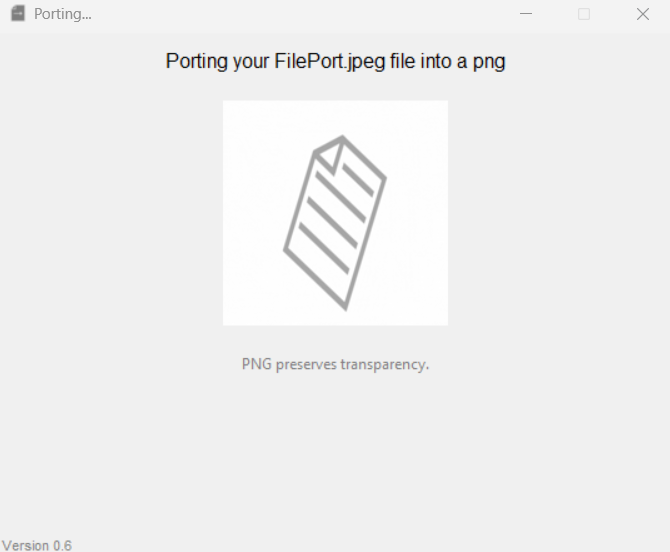
Uses the P.O.R.T system (Preserve Original Results & Transfer), giving your files safe, accurate conversion
-
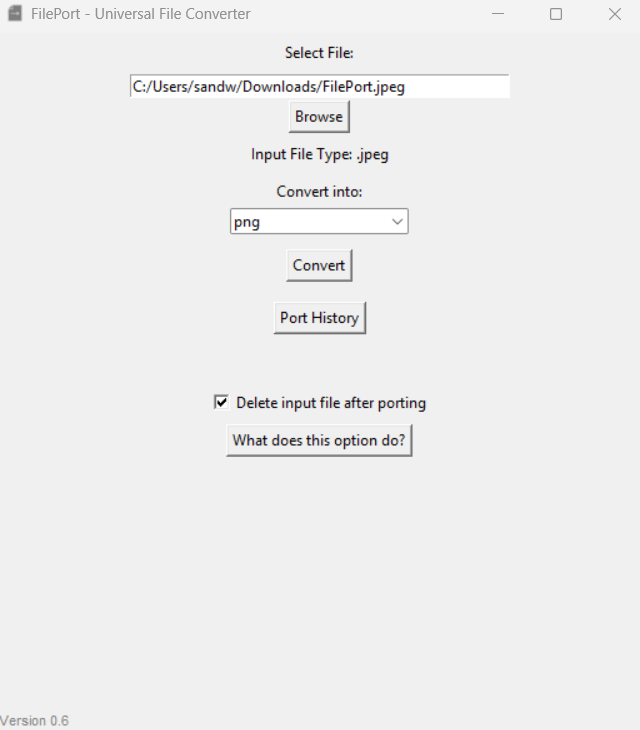
Simple, intuitive UI with zero fuss
-
Advanced options thanks to its desktop application form
-
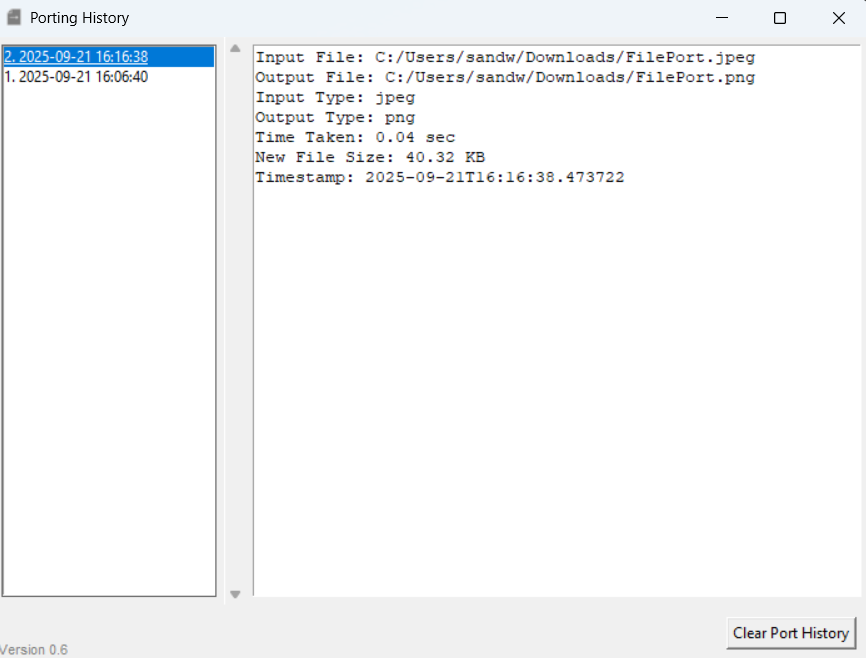
Porting History that shows detailed info about every conversion—no account needed
-
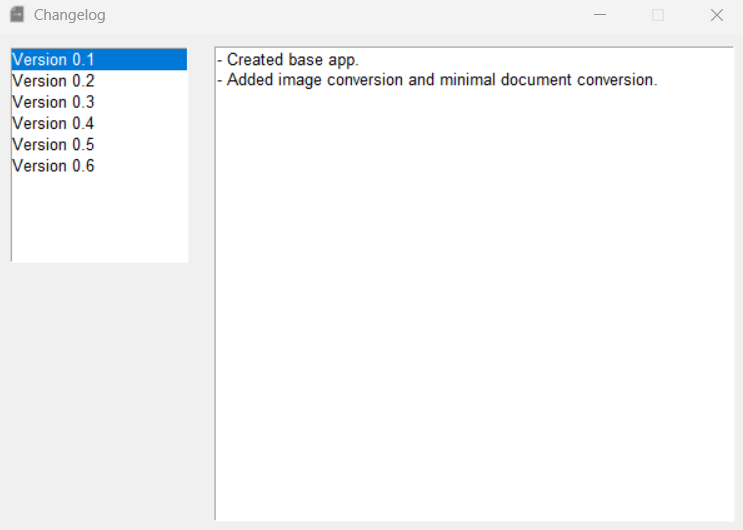
Changelog keeps you up-to-date with every new version
Ditch sketchy online converters. Choose FilePort—powerful, private, and permanent.
User Note:
FilePort does not work as a onefile, so standalone app. Upon extracting the ZIP folder, keep all contents of the app in FilePortRelease_vX-X. Failure to do so will cause the app to crash.